
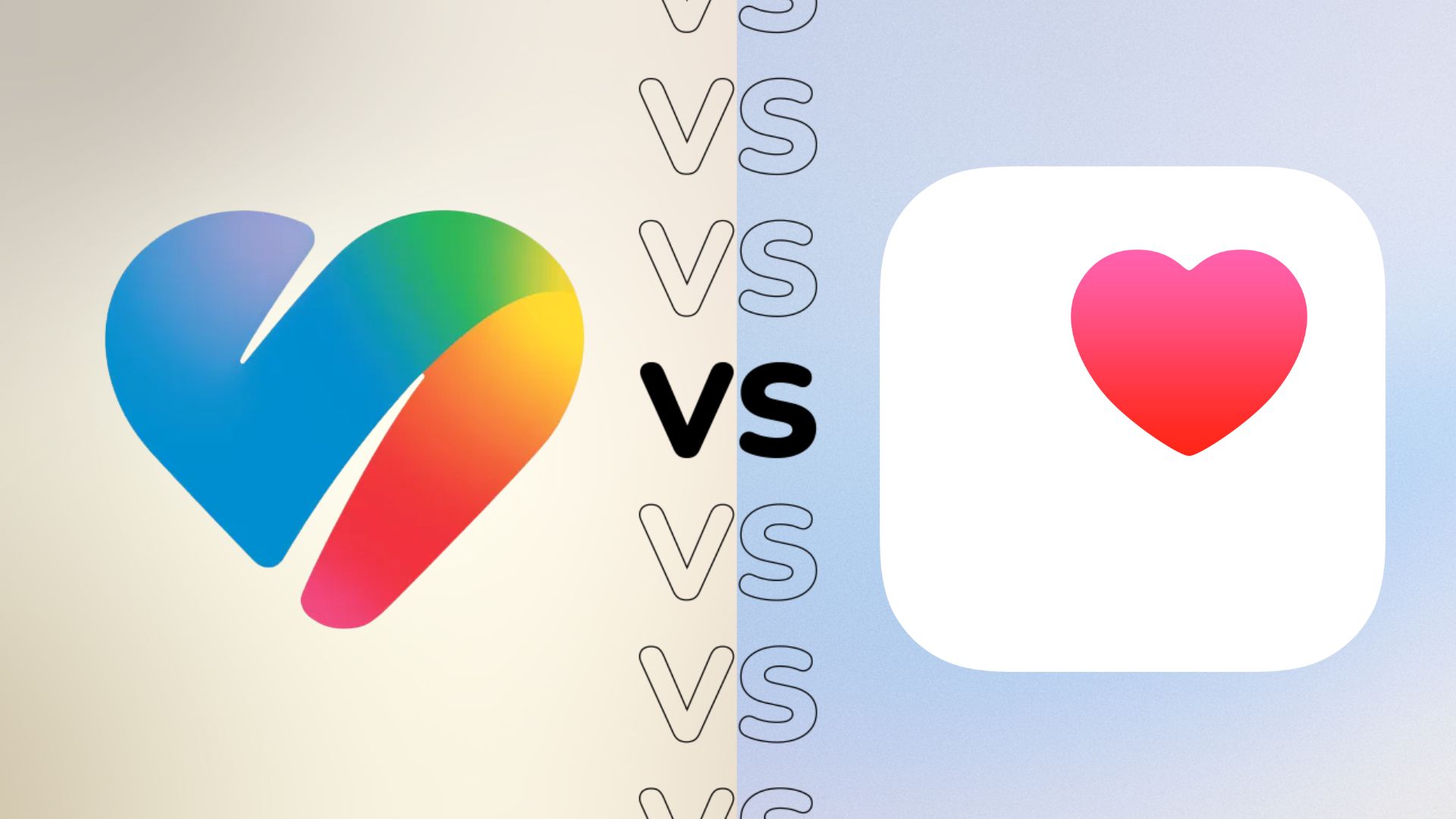
Google Health is a new all-in-one health platform for not only iOS but also Android devices – but how does it compare to the long-running Apple Health app?
While there is a lot in common between these two apps – both offer support for all kinds of health and fitness data, with varying levels of insight into that data to help you make better, healthier choices – the way these two apps do it will not be different.
Here, we examine the key differences between Google Health and Apple Health to help you decide which health app is better for tracking your life.
Google Health uses AI to analyze and advise
If there’s one area where the Google Health app differs significantly from its Apple-based equivalent, it’s in the AI department. While both health apps collect the same data, from wearables or third-party devices, the Google Health app uses AI to provide a deeper understanding of what that data means.
Apple Health is good at highlighting trends over time, but beyond that, real insight into your data is quite limited.

On the other hand, Google uses AI developed by leading doctors and health experts to not only provide better information after exercise but also integrate them with general health, well-being and sleep. Finally, it will give you advice on your sleep schedule, how to improve your sleep health, and more, based on factors like your schedule and recent activity.
It also shows how you compare to previous efforts and highlights trends in your data, all in a user-friendly way that isn’t overwhelming or overly numerical, even for those less familiar with health and fitness data.
Apple is rumored to be working on the same AI smarts to improve health, possibly in iOS 27, but all that is not confirmed yet.
Google Health Coach can create plans, log and answer questions
Google Health Coach without a doubt i a killer feature in the Health app; It not only powers all of the AI-powered features mentioned above, but much more.
It mainly comes down to an integrated chat where you can talk to a Google Health Coach about your health data, ask specific questions about your sleep, health or even some metrics like your HRV – but it goes further than that. It has a memory function that stores the information you provide, and will use this information to provide better information in the future.
If, for example, you work in an office one day a week and work from home the rest of the time, Google Health Coach will take that into account when making recommendations about your sleep schedule and types of exercise you can do on your commute instead of going to the gym.

It also makes the logging experience much easier; while the Health app is designed to pull data from multiple apps, it doesn’t support it everything. But with Trainer’s ability to understand not only text but also voice and images, it’s very easy to get into.
For example, you can take a screenshot of the calorie counter app you’re using, and share it with the trainer, and it will update all the related metrics in the app. It’s a great job while users are waiting for official integrations from their favorite apps.
And, of course, it’s great for creating customized workout plans based not only on your health data and preferences, but also on factors like equipment you might have at home. It will also adjust those daily workout goals and recommendations if, say, your fitness score isn’t as high as expected.
As you might have guessed, there’s no Apple Health equivalent — yet, anyway.
Apple Health is better for tracking medications
One small but notable area where Apple Health excels is medication tracking.
A simple idea, but it works: you only need to add the medicine you take and the time of day you need to take it, and the Health app will remind you to take it at the given time.
You can also track what medications you have taken today in the app, making sure you don’t take too much or too little of the prescribed medication.
It seems like an easy feature to offer, but it’s something Google Health is missing — when it launches, anyway.
Google Health works across iOS and Android
One of the biggest complaints about Apple Health is that it has always been exclusive to Apple devices – especially the iPhone, even if it has been removed from iPads in recent years – which, for anyone familiar with Apple’s process, is not really a surprise.
It serves its users first and foremost, and given how well Life meshes with the Apple Watch experience, another non-Android device, the drive to make it available to Android users hasn’t been there. It was, despite being there no Android-based parity – until now, that is.

Google isn’t that small in its vision for Google Health, with an app available across iOS and Android — in part, we think, because Fitbits work on both iOS and Android.
But it goes further, to give full compatibility with Apple Health and allowing iOS users to sync their entire health history with the Google Health app to quickly use its AI-powered features.
It also means that Android users who migrated from iOS and left their health data now have a way to bring it over to Android. It’s a big win for Google.
Google Health requires registration for all features
As feature-packed as the Google Health app is compared to its Apple equivalent, there’s a catch: you’ll need to pay a monthly subscription to access everything the app has to offer.

Google Health Premium is a new subscription that replaces the outgoing Fitbit Premium and gives you access to features such as personal fitness plans, sleep summaries and trends, and comprehensive information about your health for £7.99/$9.99 a month. You can still use the app without registration, but some of its powerful features will not be available.
Apple Health, on the other hand, has no subscription; you can use everything it offers absolutely free.
Early decision
There’s a lot to like about the new Google Health app; it not only supports all kinds of health and fitness data, not just from Pixel and Fitbit wearables, but a range of other wearables and apps, and brings that to you in an incredibly personal way.
Google’s AI is certainly the star of the show here, making it easier than ever to make sense of the huge amounts of data an app collects, and use that to provide better, more personalized experiences in the future.
Apple Health remains a great replacement for iOS users, especially those with an Apple Watch, but without any AI smarts, it’s starting to look a little dated.