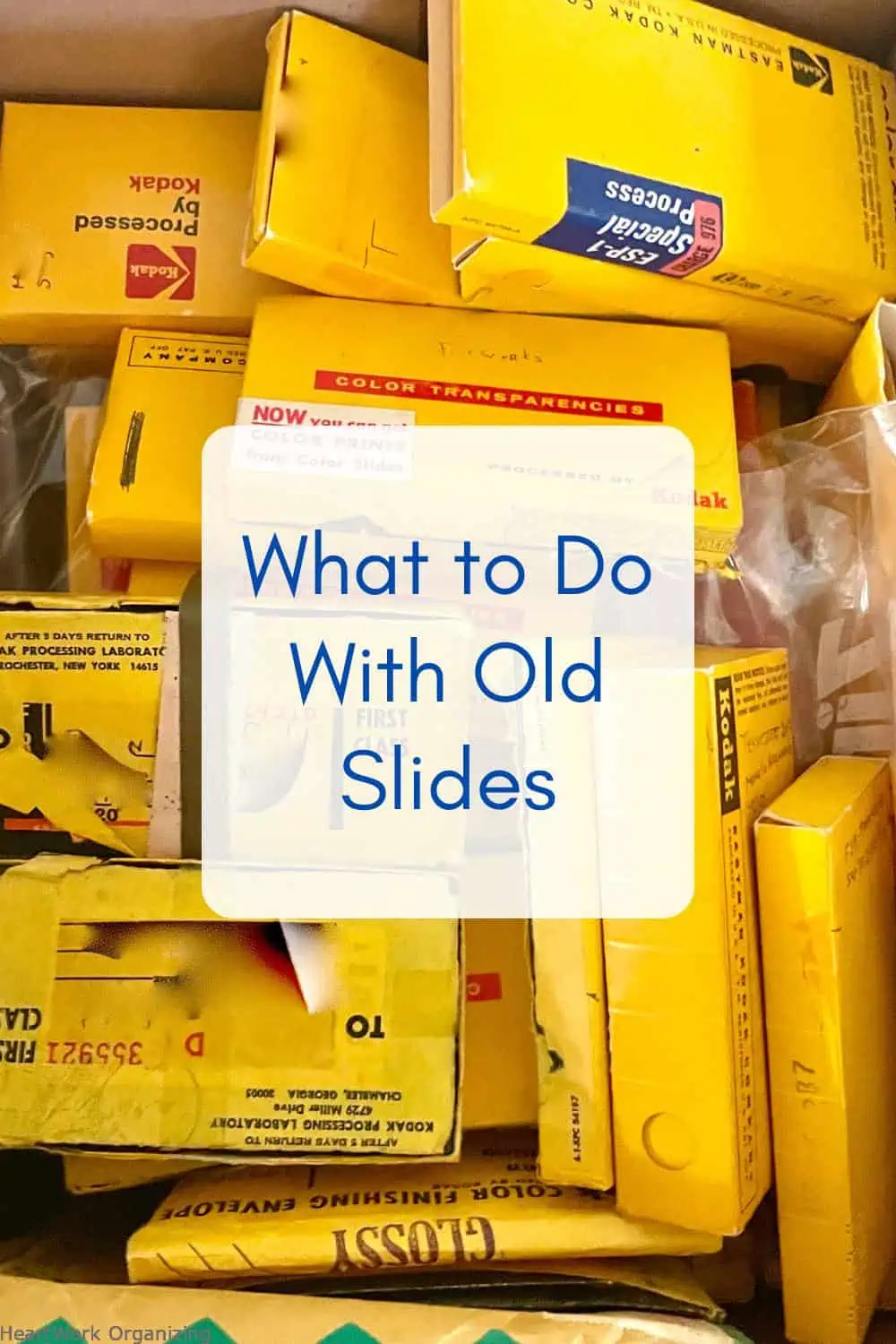
If you’ve been following me for photo editing advice, you’re probably wondering what to do with old photo slides.


When were slides popular?
Although not the first projector, the Kodak carousel slide projector was introduced in 1962, when it revolutionized slide shows, allowing for automatic, pre-loaded lectures and presentations. Although Kodachrome slides using the three-color process were invented in 1935, most family slide collections are concentrated in the mid-1950s and late 1970s. They were the Netflix of the day. If your family owned a Kodak carousel, you probably sat through many of your family vacations.
What are slides?
Slides were a specific method of processing images from photo cameras. Instead of printing images on paper, the slides are processed in three colors on gel, usually placed in a 2×2 cardboard sleeve, although you will see other sizes as well. Helpfully, these cardboard sleeves were often stamped with the date of manufacture and the frame number on the roll, usually 1-24 or 1-36.

How many slides are there in the Kodak slide carousel?
The Kodak slide carousel, which is a circular, skated device that sits on top of the projector, usually holds 80 or 140 slides. There are other types of slide gear, including straight tray cartridges, that we have seen that require each 2×2 slide to be wrapped around a metal bracket.

Should I remove the slides from their carousels?
If you are still viewing your slides on your old projector, God bless you. The most common problem with projectors is that the lamp burns out. Lamp replacement is possible and, unlike film reels, you can view your old slides on old projectors without damaging the slides. (You should not try to use old film in an old projector because the film has weakened over time, and it may explode and be seriously damaged.)
If you still have a projector, and want to use it one last time to edit the slides into a digitizing set, projecting them can be a great way to view them. Once they are selected for digitization, you should remove them from the carousel, keeping them as organized as you can.
How can I view the slides without a projector? 3 ways to view your slides without a projector
If you don’t have a projector, there are several ways to view the slideshow.
Hold the slide up to the lamp, or shine a flashlight behind it. You should be able to see enough detail to decide, for example, whether you are looking at a scene or a picture of people you might see.
Lightboxes are a very useful tool for viewing and selecting your slides. Here is an example of a simple lightbox (affiliate link). However, I am not a big fan of buying equipment that you will only use once.
Instead, turn your iPad into a lightbox. Lay your iPad flat, open it to a white screen (you can use the NOTES app, Keynote, or any other app that gives you a white screen), and turn on the light on your device. Voila! It may not be as bright as a commercial Lightbox, but it will get the job done without creating clutter. Place your slides on the screen, one by one or in groups, and see what gems your slides have.

Once I have seen them, can I scan the slides myself?
Scanning slides should be done by a professional. Yes, you can take a photo of the image, but you’ll notice distortions, uneven blurring, highlights, and wonky edges. A professional has the gear and expertise to capture high quality scans at the right scale. Size, or size, is something you have no control over when you use your phone to take a photo. Pro scanning companies ensure that you end up with a scan that you can reprint at a reasonable size for future use and enjoyment.
You don’t want to spend an afternoon (or more) taking photos with your phone only to find that the resulting photos can’t be printed for a family book project without distortion or pixellation. Just because you can see it on your small phone screen doesn’t mean you have a good sized image (at least 4,000-4,800 pixels ppl).
You can organize your slides, organize the slides you want to digitize, and prepare them for scanning. But beyond that, there’s gear and technology you probably don’t have, and don’t need to invest in. That’s why we don’t recommend trying to scan slides yourself, even if you’re a big DIY type.
Do the slides have front and back?
Slides have a front and back. Usually, the front of the slide is the glossy side, and that’s the side being scanned. Most of the time, it may not matter if the slide is scanned backwards, but you will notice if there is writing on the image. If the slides are scanned back, don’t worry. All image programs have a “horizontal” option. In Apple Photos, it’s currently under edit>>crop>>look for the symbol with two triangles with an arrow going through or above them.
How do I get duplicate slides?
Fortunately, slides were developed from rolls of film, back in the day, before “doubles” were popular, and it’s very rare to find family slides that have been developed more than once. So your family slides are almost certainly NOT and CANNOT be duplicated as prints. There are always exceptions, of course, but this would usually be in the case of a photographer’s collection.
How to organize slides?
Editing slides is the same process as editing photos: edit by date, record, digitize, add to your current photo collection, enjoy and share.
At HeartWork Organizing, we see too many people being put off by their slides because they look different in some way than their other photos. They don’t really exist. 🙂
Edit the slides using much the same steps we use for editing photos.
There is one important caveat. When slides became popular, color film was new and shiny. Those who could travel and take pictures tended to focus on places and places. Sometimes we find carousels filled with hills of plants, glorious mountains, and beautiful beaches. But not people. Those types of photos looked like eye-candy, sure, but they might mean nothing at all to the children and grandchildren of the family photographer. In those cases, we consult with our client and, if they don’t feel connected to those photos without the people they love in them, we recommend not investing in digitizing them.
We will select a set of slides to focus on those key people and events that have a connection to our clients. In other words, we bring stories to life. Pictures tell your stories, but you don’t have to keep every picture.
Once the slides are dated and digitized, we’ll upload them to your digital photo collection, so they’re accessible and easy to share. Those slides your dad or grandpa took in the 1960s will be waiting for you in the 1960s section of your digital timeline, on your phone or wherever you view your photos today.
What do I do with old slides, carousels, and projectors?
We recommend that the visual slides we digitize remain organized and in a safe storage location in your home. They’re yours, and they’ll take up very little closet space, once they’re removed from their carousels and stored in archive boxes.
There is no film recycling system. Slides you decide not to keep cannot be recycled. They went into the trash.
Carousels and slide trays aren’t valuable on their own, but if you have the time, you can list them on resale sites like eBay. Since they are not made, you may be able to contact the person you are looking for.
Projectors are in the same category. As with vintage electronics, I’d rather see you list those projectors for sale than throw them away. It may take time to find a buyer, but you will. Even a broken projector can be sold for parts. You won’t get much money for it, but there is a small market for it.

What is the month to save your photos?
September is the month to save your photos (#SYPM). Originally created 8 years ago to help communities and families dealing with floods, hurricanes, and fires, our global community has helped tens of thousands of people protect and preserve their photo collections.
Every year, we urge you to act before it’s too late. But the truth is, bad weather is not the only thing that damages your photos. All photos, slides, films, books, and other memorabilia rot even in safe, dry homes. We’d like to help you protect your slides and family photos now, before disaster or time does a number on them.
We work with people all over the country, and in fact all over the world, who love their photography. If we can help you, please contact us. We would love to hear from you.
Still have questions about how to save your slides or photos? Search this website for more articles, or click below for more articles.
How to organize your photo collection
What’s the Best Way to Scan Old Photos?
Your Random Photos are like a Blockbuster video
Your Disks Are Probably Dead
Can someone really edit my photos for me?