
Hello New Smart TV Buyers. I have created 3 articles to hopefully provide you with some helpful guidance, allowing you to make “smart choices” when purchasing your next Smart.
Part I: Why Big, and Why OLED?
- Why buy a Really Big TV
- OLED – The Best
- The search for perfect blacks – and a perfect picture
Part 2: Comparing different TV technologies, and their prices
- More on TV technology: Which technology to choose – standard LED TV, Quantum TVs, OLED TVs
- How the TV is backlit makes a big difference
- Prices – Size and Technology make a big difference
Part 3: Smart, and Soundbars
- How smart is it? Brands vary by operating system
- Why add a Soundbar?
- The Bottom Line
————-
Shopping for the Next, Bigger, Smart TV – What You Need to Know
Should You Enlarge Your TV?
Of course, you have to have a really big TV area, and you need to be able to sit far away. If your room is 10×12 feet, chances are 100” is too big to use, even if it is affordable. But in a standard living room or family room, it can be nice, “nice”, is the word that always comes to mind.
My Latest Development Story:
Last year I “traded” my 77” OLED LG TV for a 100” HiSense “mini LED” TV. When I say “Traded in”, what that really means is, that my beautiful 77” LG has moved into my wife’s “Lounge” – hang out, replacing the 55” LG that was hanging there before.
For him, it was a Win-Win. Not only did he get a bigger screen (which he didn’t care about, until he had it), and now he likes the upgrade, but also a really better picture. You see, OLED is, by far, the ultimate TV technology, when it comes to pure picture quality. (More on that later). His old set was a basic LG, so he was able to quickly see better color, deeper blacks and more. BTW his living room is 13×9 feet. 77” sits on the far wall, and his couch is on the opposite wall. So you live just 8 feet away. 77″ is good there – not too big! (but closed?)
Myself – I had to downgrade in Image Quality to get a bigger set. I had my heart set on a 97” diagonal LG OLED, but with discounted prices for that set still hovering around $25,000, it wasn’t even a realistic option. (Note, now almost two years later, the 97” OLEDs aren’t much cheaper, but if you don’t mind buying a 2-3 year old model, you can get one for less than half that.
So, why did I get the big set? A few reasons: Use it as a large computer monitor, large picture for sports and movie viewing, excellent picture quality, theater like movies!
Aside from watching TV, one may want to go bigger if the goal is to also be able to plug your phone into your TV, especially if you want to use your TV as a large monitor. Let’s start with that.
But first, a quick “need to know”:
To install really large TVs (ie 97” and 100” and even 85” models): Not only are they big, but they are heavy. Now OLED TVs are lighter than other technologies, so when I bought a 100” non-OLED, I found myself with a weight/support problem. My TV weighs 150 pounds. And my most flexible mount, another 50 pounds. In my condo, for non-supporting walls, instead of 2 × 4 wood, aluminum supports are used. Aluminum isn’t nearly strong enough to hold 200 pounds so I had a contractor reinforce the wall. In comparison the old 77” OLED weighs a little less than half as much with its mount, and “had no problem at all” on my wall. Luckily most people have wooden pegs!
Need a “Big Computer Monitor”?
“It’s not just a TV, it’s also a great computer monitor” that’s the reason i bought it. I wanted to be able to stream from my laptop or iPhone to the TV.
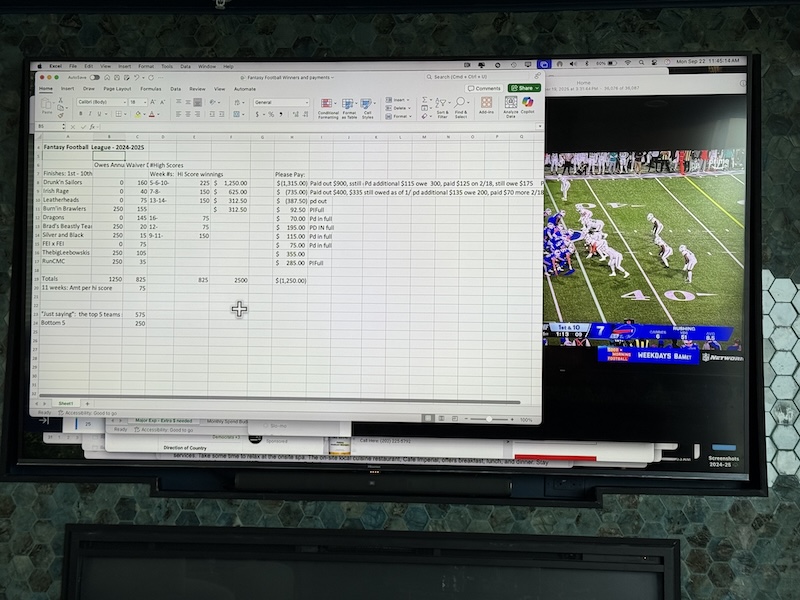
On my old 77″, despite the good picture quality, the problem was that my sitting distance – about 11-12 feet from the TV, meant that text, photos, videos, etc. appeared smaller on the 77″ than on my 13″ Macbook Air sitting on my lap. In other words, I was sitting too far for it to be useful to work on spreadsheets, this Word document, or read the news. I’m serious about this, in fact this entire article (as usual) was written with my Mac laptop screen off using my TV as my monitor. It worked well!
I needed to live closer, or get a bigger TV. Now, at the same sitting distance as before, everything on the 100″ Hisense is noticeably larger than the same image on my laptop at its normal distance. The bottom line, for me 100″ makes a very large monitor, and 77″ from my sitting distance, could not do it.
Here’s my example: A 100″ TV viewed at 12 feet, fills your field of view about as much as a 13″ laptop at the standard 16 inch laptop range. But most people have their 20” or larger laptops in their eyes.
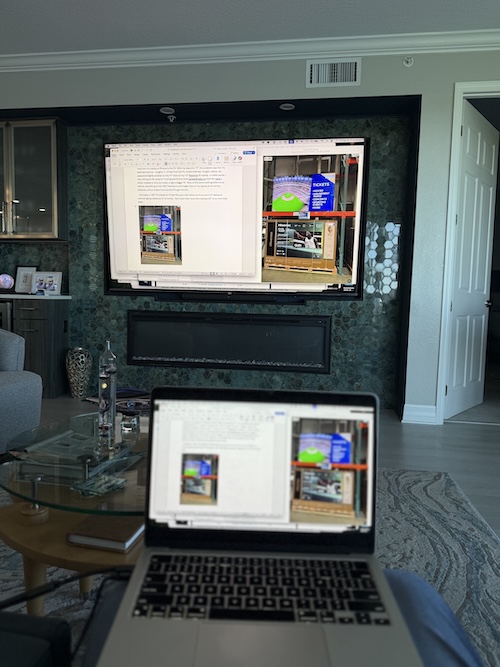
Translated: If you’re sitting 12 feet back, and you have a 65”, or 77” TV, everything – the format, the pictures, the broadcast, will appear much smaller than a laptop at a normal distance.. That is, it is too small to be used. The 100″ size was the perfect solution for my needs.
Better Watch TV!
I had a second reason. I’m a big soccer player, and a legendary soccer fan!
At 100″, when I put Sunday Ticket on the TV, I can watch 4 games at once in the 4 quadrants. Think, each of those games is equivalent to watching one game on a 50” TV.
You can still read the names on the players’ jerseys, you can still read the fine print that scrolls down with stats, other game updates, etc. Perfect!
And let’s not forget watching movies (and TV). With 100” you get a movie theater like experience (if you turn down, or turn off, the room lighting).
Sadly, to get my 100”, I had to downgrade to the so called “Q” or Quantum dot type LED TV from my small OLED TV.
OLED – The best of TV technology
So what’s the difference: OLED vs Everything Else
The power of OLED
- Excellent picture overall
- Accurate colors
- High saturation and contrast
- The ability to render pure black when other technologies cannot, preferably combines dark gray when pure black is needed.
For this reason OLED sets, it really “pops”. The picture is amazing. Having spent most of my AV career in the commercial and home theater projector space, projectors dominated home theater for twenty years due to their ability to produce deeper blacks than TVs and provide a much larger viewing area. (Before moving into our place, I never had a projector setup smaller than 124” diagonal – even when I had a 128” screen back in the day when the biggest LCD TVs were 42” and 50”, which were small.)
Unlike all other TV technologies, OLEDs do not use a backlight. Each OLED is its own light source. Tell it to do the dark and each one does. There is no light output turning black to gray.
BTW OLED screens on portable devices are why photos and videos on Mac laptops, tablets and iPhones (and many other quality devices) look great. Almost all of them are OLED!
Other advantages of OLED:
- OLED is generally both lighter, and thinner, than other TV technologies
- Almost no roll off. Whether you’re sitting straight back from an OLED TV or on the way to the side, the colors, accuracy, and richness are almost the same. With some TV technologies, the longer you look at it, the worse the picture quality becomes, because both brightness and contrast decrease rapidly as the angle increases. In some cases you can even expect a noticeable change in colors as you move farther from the side. Yes!
Nothing’s Perfect – OLED downsides – only two things come to mind:
- OLEDs are not as bright as many other types of TVs. Not that they’re dim, but let’s just say that most TVs are a step or two up in brightness. My 77” in the living room was bright enough in bright modes, despite the many windows and glass doors. But, it was light enough, very little would be left in that room, unless I closed the curtains. By comparison, the 100” Hisense is brighter, the difference is obvious. Of course, my room with a lot of incoming light is brighter than most people’s rooms, so please note: OLED brightness is actually not a problem for most people. If you have a bright room, keep that in mind, if not, the only downside is the price of OLED TVS.
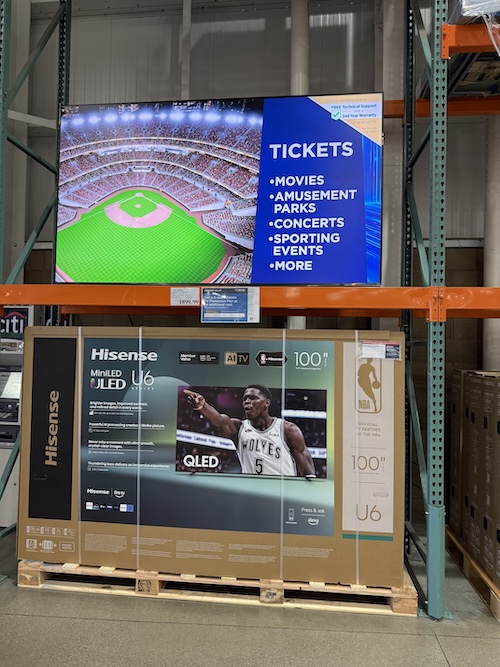
- Price! No matter how you slice it, OLED TVs, inch by inch diagonally, are more expensive than any other TV technology. Today, at Costco you can get a 100” TV for as low as $1699 last time I checked – which was just recently. (When I got my 100” Hisense back in February 2024, it was around $3500).
It’s a good thing about TVs: Image size keeps increasing, and prices for any given size, keep getting smaller!
-
- When it comes to price, in 2019 when I bought my LG 77”, the total cost came out to be $5000. Today, at Costco, you can find 77” OLEDs start at around $1499, and even the most advanced are not over $2000.
Part 2: Comparing different TV technologies, and their prices