
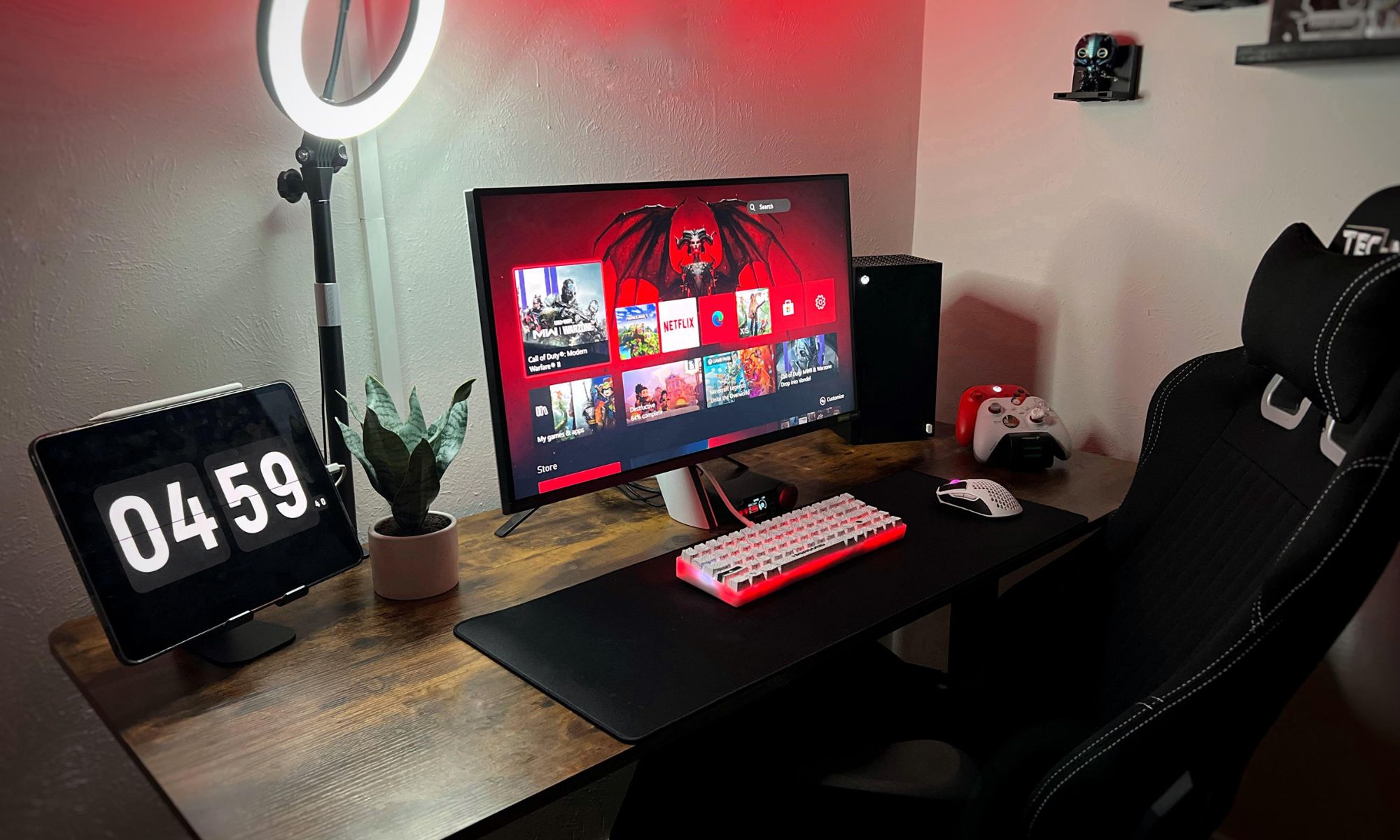
When choosing the best gaming monitor under $300 for PS5 and Xbox Series X gamers, you might be stuck between specs that sound great but don’t tell you what will improve your gaming experience. I see this phenomenon a lot, and a lot of the confusion comes from chasing numbers like high refresh rates or HDR labels that don’t really change the console experience.
Related: Xbox makes a comeback: Microsoft ditches “Microsoft Gaming” to fix Xbox ownership issue
In my opinion, you don’t need to think too much. These consoles are built around 120 Hz games, so the real focus should be on smooth performance and low input lag. Below, I’ll explain what’s important and show you which monitors make the most sense so you can choose with confidence.
The most important thing in your setup
Choosing the best gaming monitor under $300 for PS5 and Xbox Series X isn’t about chasing specs — it’s about finding the right balance of console support, smooth motion, and reliable basics.
The most important fact is this: both PS5 and Xbox Series X are designed up to 120 Hz, so anything above that (240 Hz+ retail numbers) does not add real value to console games. Most importantly, the monitor supports 120 Hz at 1080p or 1440p, and has low input lag and VRR (FreeSync support) to prevent screen tearing.
At this budget level, you’re usually choosing between 1080p and 1440p. For competitive shooters like Call of Duty or Fortnite, 1080p at 120Hz+ gives you the cleanest performance and lightest load on the console. For a more balanced experience with sharper visuals, 1440p at 120 Hz is the sweet spot – especially on the Xbox Series X, which handles it very well.
The type of panel is also important, but not in a complicated way. An IPS panel is generally the safest choice because it delivers good color and solid response without introducing motion issues. VA panels can look very contrast-heavy, but I find they sometimes introduce more blur in fast motion.
Finally, don’t get distracted by extremes. You don’t need 4K or ultra-high refresh rates under $300—you need a 120 Hz-capable monitor with a good response time and VRR support. That combination will give you a smooth and consistent console gaming experience.
Key features of Alienware 27 Gaming Monitor AW2725DM for PS5 and Xbox Series X
Alienware 27 Gaming Monitor AW2725DM
The Alienware 27 Gaming Monitor AW2725DM is compatible with gaming consoles that use an HDMI or DisplayPort connection. Here’s how it works:
- Xbox Series X/S: Runs via HDMI for solid performance. Players report sharp visuals and no blurring during gameplay
- PlayStation 5: Works with HDMI and supports VRR for smooth playback
The monitor has several HDMI ports and one DisplayPort. It also includes a console mode that adjusts console gaming settings and helps reduce eye strain.
I like that the Alienware 27 Gaming Monitor AW2725DM supports 120 Hz for consoles. It has a native refresh rate of 180 Hz, so it handles 120 Hz output from Xbox Series X/S and PlayStation 5 at 1440p with ease. From what I can see, users recommend 1440p resolution on Xbox and PlayStation. Some point out that the Xbox Series X displays cleaner visuals with no blurring during COD matches.
I usually recommend 24 or 27 inch screens for console gaming. The Alienware 27 Gaming Monitor AW2725DM fits that range with its 27-inch panel and 1440p resolution. Pair that with 120 Hz support, and it stands out as a solid choice for a budget console setup.
AOC Q27G3XMN key features for PS5 and Xbox Series X
The AOC Q27G3XMN 27-inch QHD gaming monitor works with both Xbox and PS5. It offers you two HDMI ports and one DisplayPort for easy setup:
- PS5: Runs up to 120 Hz at 1440p with HDR via HDMI
- Xbox Series X/S: Supports 120Hz games without issues
The monitor packs VESA DisplayHDR 1000 support and 336 local dimming settings, improving the way your games look on the console. Users report strong image quality and smooth gameplay on both systems.
The AOC Q27G3XMN delivers better picture quality than many less expensive options because it uses Mini LED lighting, so it fits both bright rooms and dark setups. It doesn’t have the bandwidth of HDMI 2.1 for full console features, and the Alienware 27 Gaming Monitor AW2725DM shares that limitation, but it still works well for console gaming thanks to its fast response time.
Key features of Acer Nitro VG270K for PS5 and Xbox Series X
Acer Nitro VG270K works with both Xbox Series X and PS5:
- It comes with 2 x HDMI 2.1 ports, supporting both consoles to their full capabilities
- On the PS5, you get up to 120 Hz in 4K with HDR
- On Xbox Series X, it also supports up to 120 Hz in 4K with HDR
At its core, the monitor uses a 27-inch IPS panel with a resolution of 3840 x 2160 UHD with an aspect ratio of 16:9. This setting gives you sharp picture quality and strong detail across the screen.
The zero-bezel design eliminates bulky bezels and opens up more usable display space. The multi-monitor setup feels clean as the thin bezels reduce the gap between the screens. That said, I don’t put much weight on the bezels myself, even if they are thick.
DFR (Dynamic Frequency & Resolution) technology is still a niche feature, but it’s nice to see it included in the Acer Nitro VG270K. It allows you to switch between two modes: high resolution with low refresh rate or low resolution with high refresh rate. In FPS or chase games, high refresh rate supports smooth gameplay. For office work or watching videos, higher resolution makes more sense. Overall, the Nitro VG270K performs well for both gaming and everyday use.
Don’t waste money on this feature
HDR feels much better than a must-have for gaming. It focuses on rich color and strong light. HDR comes with its own set of tiers that indicate how great the effect is, and higher tiers tend to increase the price of the monitor.
You will find many HDR displays in the budget range, but in most cases, you get little out of it, or at least not enough to pay more. HDR starts to look impressive at around HDR 600, and reaches the point where it feels worth the cost at HDR 1000 and above. I think HDR has that effect where once you use it and turn it off, you miss it and want it back, but if you never use it, you won’t feel like you missed anything.
So should you wait to play games until you get an HDR monitor? No, that doesn’t make sense. But if you can afford a solid HDR display, go for it. Game support for HDR can feel uneven, as not all titles include it or handle it well, but if a game gets HDR right, it looks great.
What I will do in your place
If I were you, I’d start by locking in a 27-inch IPS monitor with 1440p and true 120 Hz support, as that hits the sweet spot for both PS5 and Xbox Series X. I’d also check VRR (FreeSync) and low input lag before anything else, as those are more important than bright specs. From there, I could skip the overpriced HDR and high refresh claims and focus on pure console performance. If I had to choose today, I’d go straight for the solid 1440p 120 Hz option and call it done.